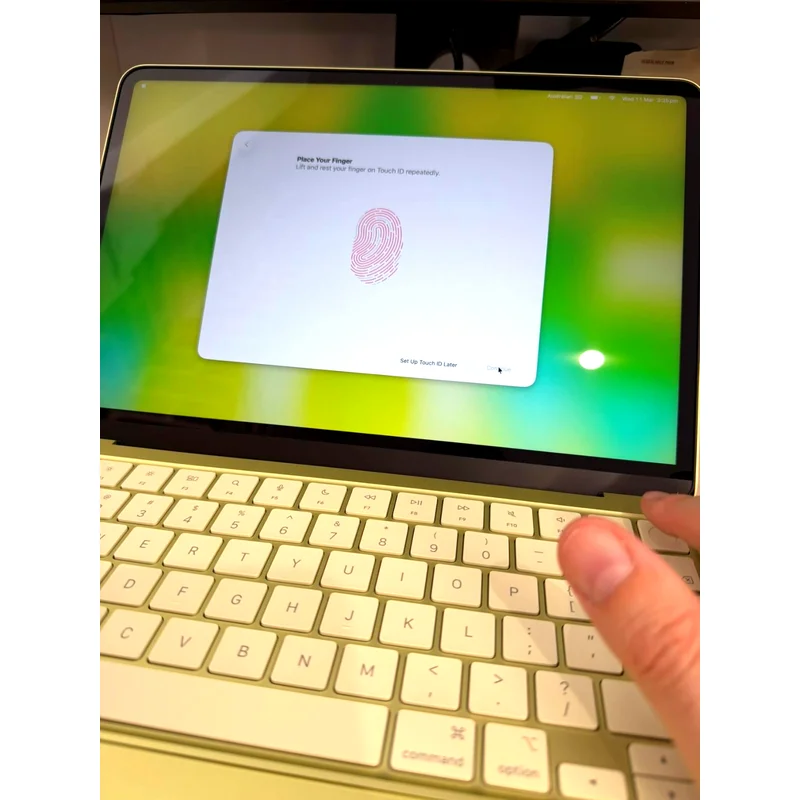
Apple MacBook Neo 13
Cheapest Mac Apple has ever sold, and it earns the price tag with genuinely premium build and surprising single-core punch. An 8GB soldered RAM ceiling and a 256GB base config keep it firmly in the entry tier. Buy the 512GB. Use the education store if you qualify.
RefDat Score Breakdown
| Signal | Score | Weight | Details |
|---|---|---|---|
| Verified Buyer Rating | 4.3/5 (0 reviews) | 30% | Consumer consensus from verified-purchase buyer reviews |
| Community Sentiment | 4.0/5 | 25% | Editorial assessment from OzBargain, Whirlpool, ProductReview |
| Value Score | 4.5/5 | 20% | Cheapest Mac Apple has ever sold. Education pricing is a steal. Retail is fair for what you get. |
| Safety Record | 5.0/5 | 10% | No active ACCC recalls |
| Recency | 5.0/5 | 5% | Released 2026-03-11 |
Last evaluated: 23 May 2026
Pros & Cons
What I Like
- Cheapest Mac ever, from $899 retail or $749 education
- Build quality genuinely matches the more expensive MacBooks
- A18 Pro single-core performance punches above its price
- Fanless and silent under all loads
- Touch ID works once you live with its quirks (512GB only)
Could Be Better
- 8GB RAM ceiling, no upgrade option ever
- 256GB base storage is a trap, you will fill it
- Front USB-C port is USB 2 only, which Apple does not advertise prominently
- Mechanical trackpad, not haptic, slight downgrade vs Air or Pro
- Touch ID requires password after every reboot
- Heavy spreadsheet or video work hits the RAM ceiling fast
My Review
The MacBook Neo is the cheapest Mac Apple has ever sold, and the first Mac in years that runs an A-series chip instead of an M-series. That single decision shapes everything about who this laptop is for. The A18 Pro is the same processor that lived in the iPhone 16 Pro for a year. In a phone it is overkill. In a laptop it is interesting, but it is paired with 8GB of unified memory and Apple has soldered that memory to the board. Forever. There is no upgrade path on this machine, ever, by design.
What you get for $899 to $1,099
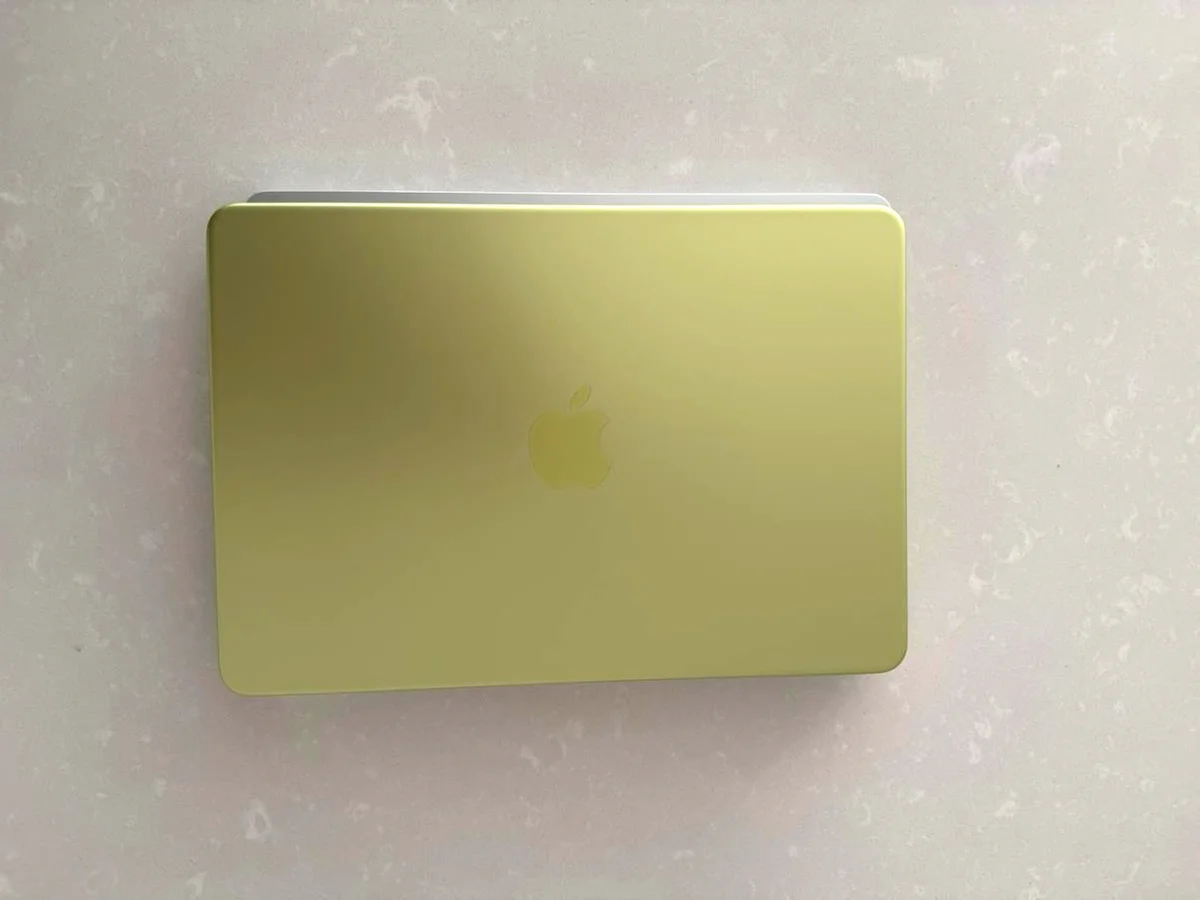
A 13-inch Liquid Retina display at 2408 by 1506 that looks almost as good as the Air's. A trackpad that is large, mechanical, and clicks anywhere on its surface, not just the bottom half like cheap Windows laptops. A genuinely premium aluminium chassis in your choice of four colours. I opted for citrus, which looked great on opening, but now feels a little gaudy in the home office. Wi-Fi 6E and Bluetooth 6. Two USB-C ports plus a headphone jack. Touch ID, but only if you spring for the 512GB version.
The cheapest entry point Apple has offered into a Mac in living memory. The 256GB starts at $899 retail or $749 if you qualify for education pricing. The 512GB with Touch ID is $1,099 retail or $949 with education.
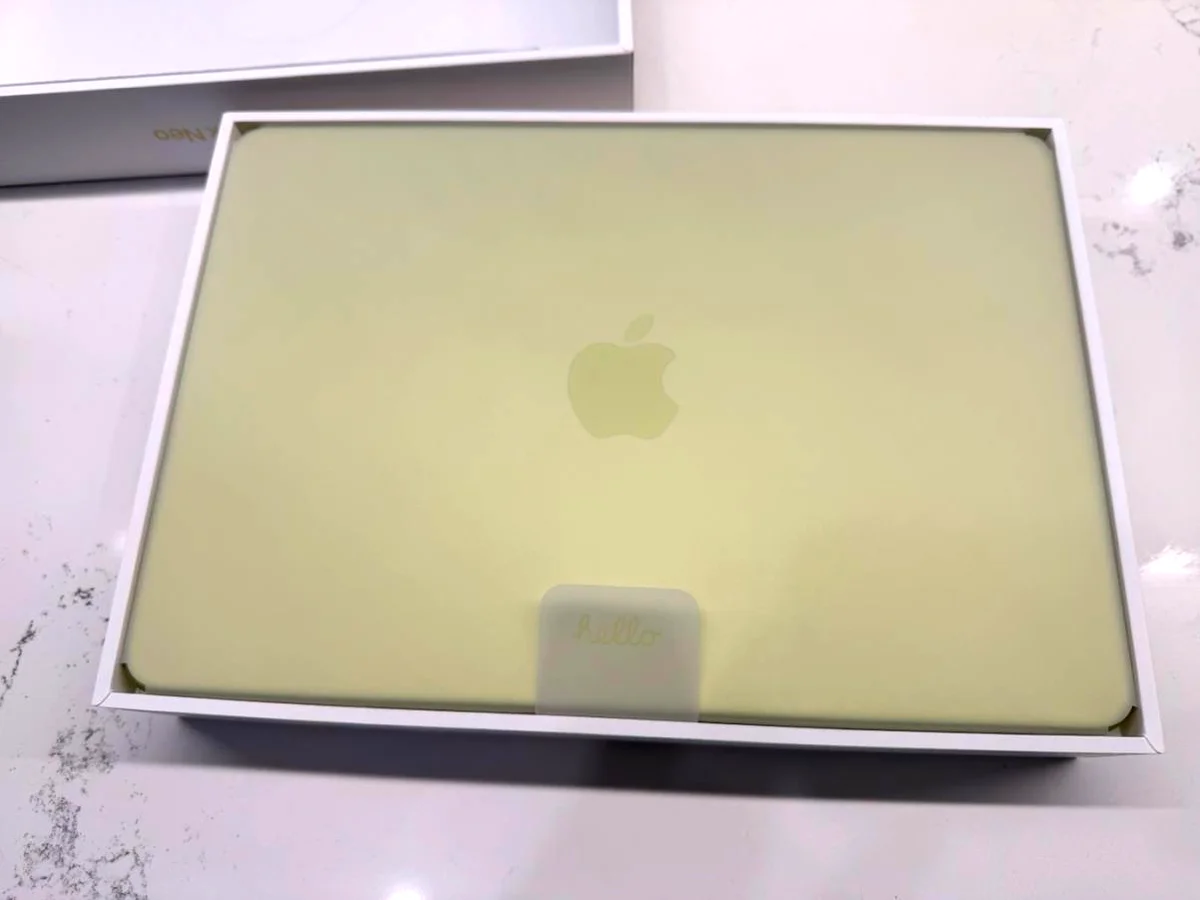
The 256GB is a trap
Stop reading and skip it. Even if you live in iCloud, on-device storage fills faster than people realise. Photos library cache, downloaded media for offline use, video edits, app installs, that one game your kid wants to play, the OS itself. By month six you are deleting things to make room. The 512GB at $949 education is the only version worth buying. The Touch ID inclusion at that tier is also not coincidence. Apple knows what they are doing with that bundle.
The 8GB ceiling is the real story
Apple has made 8GB the floor for entry Macs for years. On a chip this fast, in a body this premium, it feels like the constraint that defines the product. For email, web, writing, light photo edits, video calls, basic spreadsheets, 8GB is fine. For anything that lives in memory while you work on something else, you will see the consequences.
Open a 250MB spreadsheet with a few hundred thousand rows and large pivot tables and the system pages out to swap on the SSD. A click that should take half a second can take twenty. The whole device slows down because the work has overflowed into virtual memory. Close the big app and responsiveness returns. To be fair, this kind of file would crush a 16GB Windows laptop too. The point is that 8GB is the floor and Apple has not given you any way to raise it. If your work routinely hits this kind of load, this is not your laptop.
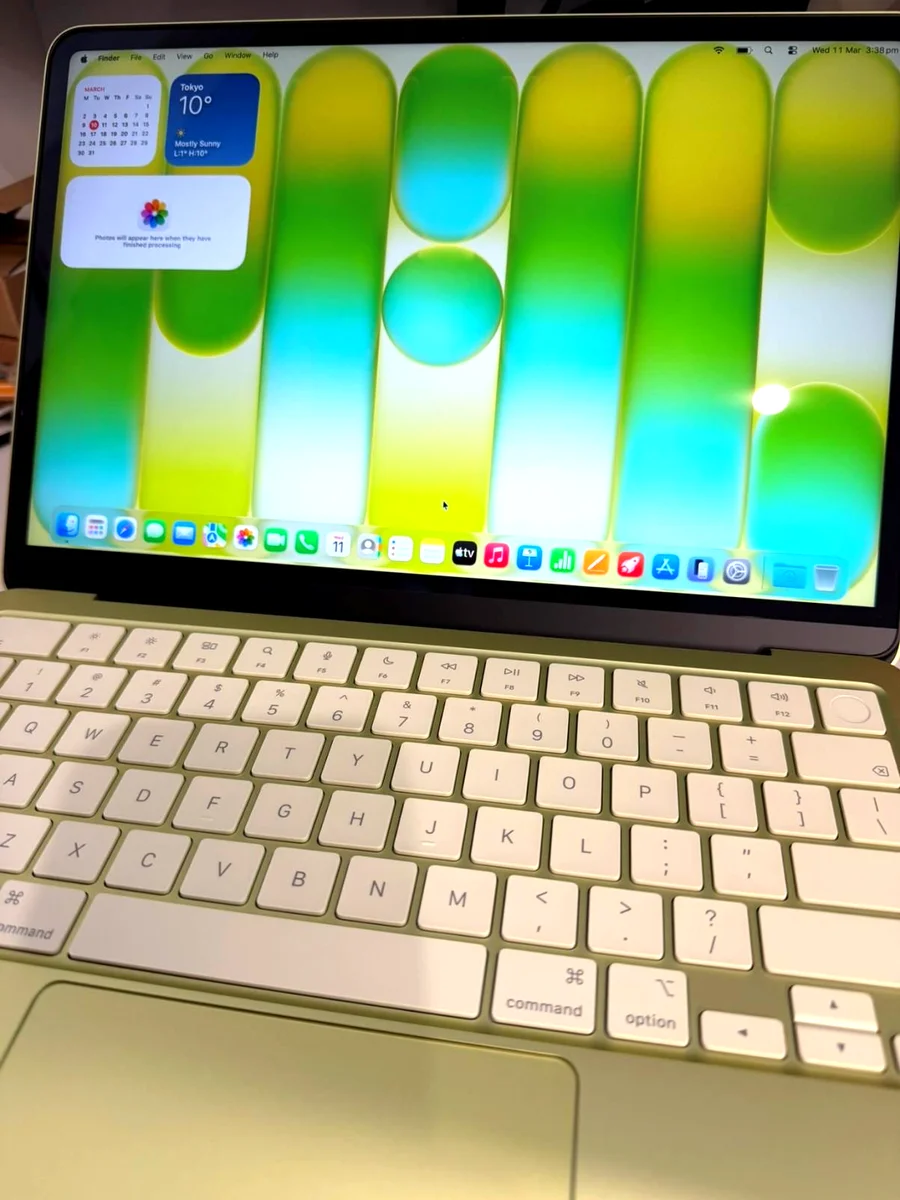
Performance for the rest of us
Geekbench 6 single-core lands around 3,400, both plugged in and on battery, which is excellent. Multi-core sits around 8,200. That is faster single-threaded than every Windows-on-Snapdragon laptop currently on the market, and slower multi-threaded than most of them. Apple's silicon design has always favoured single-thread responsiveness over raw multi-core throughput, and the A18 Pro continues that. In practice it means apps open snappily and short tasks complete fast. Long parallel jobs like video exports or large compiles will take longer than they would on a chip with more cores.
Build quality is the surprise
Apple has not cheaped out the materials to hit the price. The chassis feels identical to the MacBook Air. The hinge is firm. The keyboard is good without being the best Apple has shipped, the keys feel slightly shorter on travel than a MacBook Pro. The trackpad is large and the click works anywhere on its surface, but it is mechanical rather than haptic. Most people will not notice. If you are coming from a Pro you will notice the lack of Force Touch.
The port story is sneaky
Two USB-C ports, both can charge, both look identical. They are not. The rear port (closer to the hinge) is USB 3 at up to 10Gb/s with DisplayPort 1.4 for an external monitor up to 4K at 60Hz. The front port (closer to the trackpad) is USB 2, capped at 480Mb/s, no display output. Plug your Thunderbolt dock into the front port and you will spend a frustrating hour wondering why the monitor will not light up. Apple's product page mentions this but does not lead with it. Worth knowing before you set the laptop up.
UPDATE. When I plugged my Dell monitor with built-in docking capability into the front port, macOS actually surfaced a message telling me to plug it into the faster rear port. So the OS does help you when it can identify the dock. It just does not save you from a third-party hub that does not announce itself the same way.
Touch ID quirks
The fingerprint reader sits in the power button on the 512GB configuration. It works, but it has personality. After a fresh boot or restart, macOS asks for your password before fingerprint will work, even if you have just authenticated five minutes ago. This is by design. Plenty of apps that prompt you to authenticate will also ask for a password rather than fingerprint, even when you have the biometric set up. Live with it for a week and it stops being annoying.
Battery and thermal
Apple claims up to 16 hours of mixed use. Real world with browser, mail, light writing, you will see twelve to fourteen comfortably. Push it hard with multiple apps and a video call running and you are closer to six. The chassis is fanless and runs silent under every workload, but it warms up perceptibly under sustained load. One small note that surprised me: the chassis carries a faint tingle through bare skin when charging via USB-C without a grounded power adaptor. This is the same effect every USB-C laptop without a third earth pin has, but it is worth knowing if you have not encountered it before. Plug the charger into a grounded outlet and it stops.
macOS for first-time switchers
If you have only used Windows, the first week is friction. Command instead of Control. The scroll wheel on an external mouse is reversed by default and feels very odd, although you can flip it back to the Windows direction in Settings. The Finder works differently. Some apps you know from Windows work identically: Photoshop, Office, all the major browsers. Some have macOS quirks. Office runs fine but its AI sidebar features are less stable on Mac than on Windows at this point. Give it a fortnight before deciding you hate it.
The torture test
Drove the Neo hard for several days with a 250MB spreadsheet open across multiple tabs, several browser windows, mail, and a video call running in the background. The 8GB RAM filled inside ten minutes and the system started using a swap file on the SSD, eventually crossing 7GB in swap usage. Performance during this period was inconsistent. Some clicks felt instant, others took twenty to thirty seconds. Close the spreadsheet and responsiveness returned to normal within seconds. If your work day includes any of: large Excel pivots, multiple Photoshop documents, video editing in DaVinci or Final Cut, you want more RAM. A MacBook Air with 16GB starts at $1,799 in Australia. The Neo's price-to-spec maths only works for users with realistic memory expectations.
Who should buy it
Students who need a real Mac for university and want to use the education store discount. People upgrading from an older MacBook Air who do email, web, writing, light photo work and want a current Mac for cheap. Anyone who values build quality and battery life over peak performance and wants to spend the money saved on accessories or AppleCare. Skip it if your workload is heavy creative, large data work, or anything where 8GB will hurt.
Your rights under Australian Consumer Law
At $1,099 this is mid-tier laptop money. Consumer guarantees under the ACL set a reasonable lifespan expectation of 4 to 5 years. Apple's 1-year manufacturer warranty is the floor. After that, if the battery degrades below 80 per cent of its original capacity, the SSD fails, the screen develops issues, or the charging port stops working inside that window, you have a consumer guarantee claim. Make the claim against the retailer you bought from. JB Hi-Fi, The Good Guys, Officeworks all have to handle it directly. They cannot redirect you back to Apple as a substitute for their own obligations under the ACL. Bring your receipt, document the fault clearly, and start with the retailer's customer service team rather than Apple Support.
Specifications
| Display | 13.0" Liquid Retina, 2408 x 1506, 218ppi, 500 nits, anti-reflective |
| Processor | Apple A18 Pro (6-core CPU, 5-core GPU, 16-core Neural Engine) |
| Memory | 8GB unified memory, not upgradable |
| Storage | 256GB or 512GB SSD (no other options) |
| Biometrics | Touch ID (512GB configuration only) |
| Ports | 2x USB-C plus 3.5mm headphone jack. Rear port (closest to hinge): USB 3 up to 10Gb/s with external display support (DisplayPort 1.4). Front port (closest to trackpad): USB 2 up to 480Mb/s, no display output. Both can charge. |
| Wireless | Wi-Fi 6E, Bluetooth 6 |
| Trackpad | Large mechanical click (not haptic), click-anywhere |
| Battery | Up to 16 hours mixed use claimed |
| Weight | 1.22 kg (2.7 pounds) |
| Os | macOS Tahoe |
| Cooling | Fanless, silent under all loads |
| Colours | Silver, Blush, Citrus, Indigo |
Where to Buy in Australia
Looking for the cheapest price in Australia? The figure below is the latest eBay AU price I last resolved on 27 Jul 2026. Prices move often, so check before you buy.
Under Australian Consumer Law, you have rights to a repair, replacement, or refund if a product has a major problem, regardless of manufacturer warranty. Learn more →
Price History
| Date | Price | Change |
|---|---|---|
| 2026-05-30 | $888 | |
| 2026-05-31 | $888 | No change |
| 2026-06-01 | $888 | No change |
| 2026-06-02 | $888 | No change |
| 2026-06-03 | $888 | No change |
| 2026-06-04 | $888 | No change |
| 2026-06-05 | $888 | No change |
| 2026-06-06 | $888 | No change |
| 2026-06-07 | $880 | ↓ $8.00 |
| 2026-06-08 | $880 | No change |
| 2026-06-09 | $880 | No change |
| 2026-06-10 | $888 | ↑ $8.00 |
| 2026-06-11 | $888 | No change |
| 2026-06-12 | $888 | No change |
| 2026-06-13 | $888 | No change |
| 2026-06-14 | $880 | ↓ $8.00 |
| 2026-06-15 | $880 | No change |
| 2026-06-16 | $880 | No change |
| 2026-06-17 | $880 | No change |
| 2026-06-18 | $880 | No change |
| 2026-06-19 | $849 | ↓ $31.00 |
| 2026-06-20 | $849 | No change |
| 2026-06-21 | $849 | No change |
| 2026-06-22 | $849 | No change |
| 2026-06-23 | $849 | No change |
| 2026-06-24 | $849 | No change |
| 2026-06-25 | $849 | No change |
| 2026-06-26 | $880 | ↑ $31.00 |
| 2026-06-27 | $880 | No change |
| 2026-06-28 | $999 | ↑ $119.00 |
| 2026-06-29 | $1045 | ↑ $46.00 |
| 2026-06-30 | $1004.65 | ↓ $40.35 |
| 2026-07-01 | $1000 | ↓ $4.65 |
| 2026-07-02 | $1045 | ↑ $45.00 |
| 2026-07-03 | $1045 | No change |
| 2026-07-04 | $1028.67 | ↓ $16.33 |
| 2026-07-05 | $1045 | ↑ $16.33 |
| 2026-07-06 | $1028.67 | ↓ $16.33 |
| 2026-07-07 | $1045 | ↑ $16.33 |
| 2026-07-08 | $1030.46 | ↓ $14.54 |
| 2026-07-10 | $1045 | ↑ $14.54 |
| 2026-07-11 | $1045 | No change |
| 2026-07-12 | $1045 | No change |
| 2026-07-13 | $1045 | No change |
| 2026-07-14 | $1045 | No change |
| 2026-07-15 | $1045 | No change |
| 2026-07-16 | $1045 | No change |
| 2026-07-17 | $1045 | No change |
| 2026-07-18 | $1045 | No change |
| 2026-07-19 | $1044 | ↓ $1.00 |
| 2026-07-20 | $1044 | No change |
| 2026-07-21 | $1020.15 | ↓ $23.85 |
| 2026-07-22 | $1020 | ↓ $0.15 |
| 2026-07-23 | $1020.29 | ↑ $0.29 |
| 2026-07-24 | $1024.39 | ↑ $4.10 |
| 2026-07-25 | $1029 | ↑ $4.61 |
| 2026-07-26 | $1029 | No change |
| 2026-07-27 | $1029 | No change |
What Australians Say
Common themes from Australian community discussions (OzBargain, Whirlpool, ProductReview):
Apple MacBook Neo 13 is ranked in my Best Laptops in Australia list. Not sure what to look for? Read my Laptops buyer's guide.